A first sim racing wheel should fit both your racing ambitions and your room. Space limitations, mounting options, comfort, and future upgrades all play a role in building a setup that supports your driving goals without sacrificing everyday comfort. We’ll walk through how to choose a wheel setup that balances performance, practicality, and room to grow.
Getting started in sim racing is exciting, but the first hardware decision can feel overwhelming. A wheel that looks perfect online may not suit your desk, seating position, or available room once it arrives. For beginners, success comes from choosing a setup that fits naturally into your space rather than forcing your space to adapt. Compact direct-drive systems such as Moza R3 have changed how newcomers approach this decision, making high-quality force feedback accessible without large rigs. This guide breaks down how to assess your environment, understand wheel specifications, and select a setup that delivers immersion while remaining practical for everyday use.
Space Planning for a Comfortable Setup
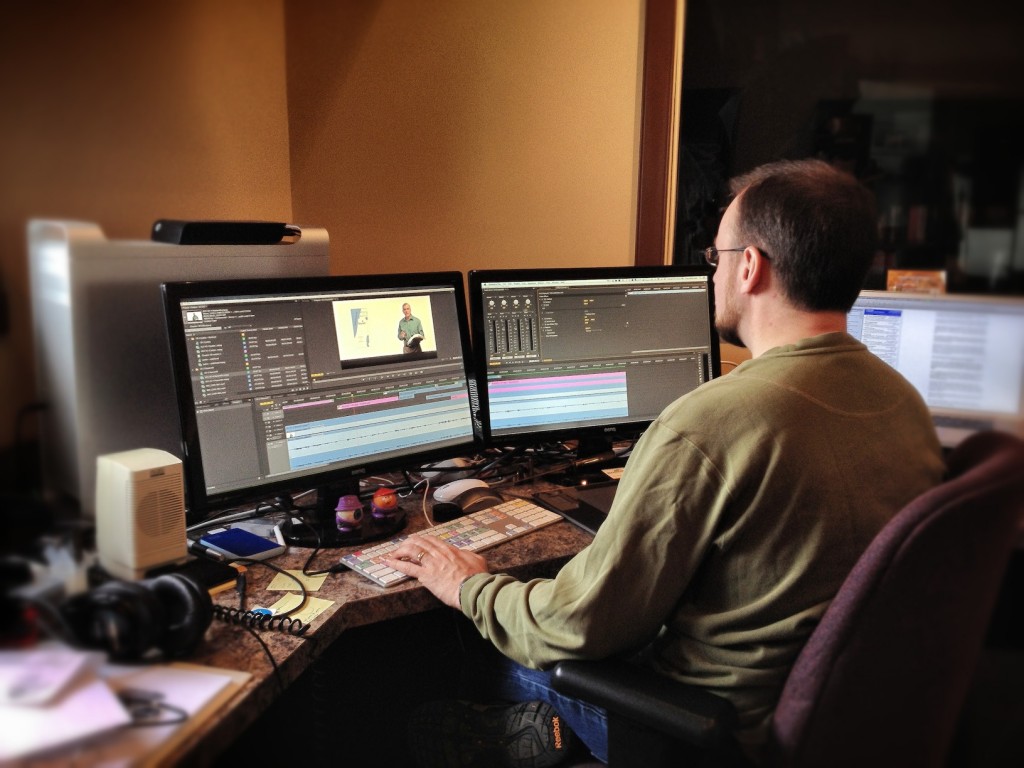
Before comparing specifications, you need a clear view of where your sim racing setup will live. Space constraints influence mounting choices, seating posture, and even the type of wheelbase you should consider.
Measure Before You Choose
A realistic assessment avoids frustration later. Focus on:
- Desk depth and thickness
- Leg clearance beneath the desk
- Distance between chair and screen
A wheelbase needs room not only for installation but also for comfortable arm movement during longer sessions. Tight spaces benefit from compact designs that minimise overhang.
Permanent vs Flexible Use
Some setups remain installed full time, while others are mounted and removed between sessions. If your space doubles as a work or gaming area, flexibility matters more than maximum torque.
Desk, Stand, or Cockpit: What Fits Best?
The mounting method has a direct impact on comfort and realism. Your choice should reflect how often you race and how permanent the setup can be.
1. Desk Mounting Basics
Desk mounting remains the most common option for first-time users. It works best when:
- The desk is solid and stable
- The mounting clamp distributes force evenly
- The wheelbase torque is appropriate for desk use
Compact wheelbases are designed to deliver detail without stressing standard furniture.
2. Wheel Stands as a Middle Ground
A foldable stand offers improved stability without committing to a full cockpit. It also allows better pedal positioning, which improves braking consistency.
3. Full Cockpits and Space Commitment
Cockpits provide the highest immersion but require dedicated floor space. For beginners, they are best viewed as a future upgrade rather than a starting point.
Choosing the Right Wheelbase Power
Force feedback strength affects both realism and practicality. More power is not always better, especially in smaller spaces.
Matching Torque to Your Environment
Lower to mid-range torque levels offer:
- Reduced vibration transfer to furniture
- Quieter operation
- Less physical fatigue during long sessions
This balance is ideal for shared living spaces or multi-purpose rooms.
Mid-range direct-drive options, including systems like Moza R3, deliver clean, detailed feedback without demanding heavy-duty mounting solutions.
Wheel Size and Rim Style Considerations
Wheel rims influence ergonomics as much as immersion. The wrong size can strain wrists or feel awkward in limited spaces.
Diameter and Grip Comfort
Smaller rims suit desk setups by keeping arm movement controlled. Larger rims require more space and benefit from cockpit seating.
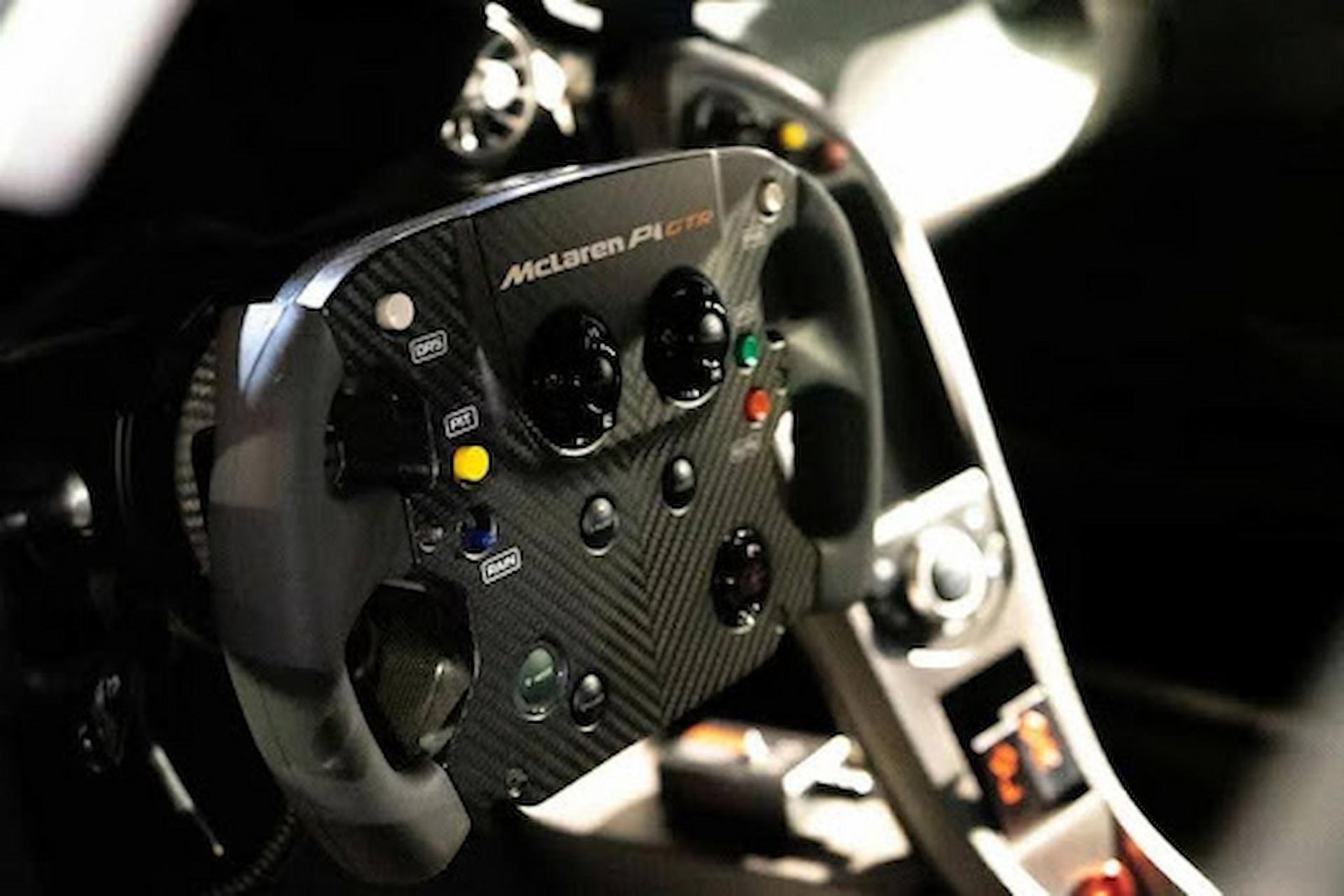
Button Layout and Accessibility
Beginners benefit from:
- Clearly spaced buttons
- Easy-to-reach paddles
- Logical rotary controls
A clutter-free layout improves learning and reduces distraction during races.
Pedals and Floor Space Planning
Pedals are often overlooked, yet they demand as much planning as the wheelbase. Floor stability plays a critical role in how effectively they perform. Pedals require a non-slip surface to remain secure during braking, especially in compact spaces where movement is more noticeable. Carpet grip or anti-slip mats help keep the pedal set firmly in place, while adjustable pedal angles reduce knee strain during longer sessions. Proper alignment with your seating position is essential, as pedals that sit too far forward or at the wrong height can quickly lead to discomfort and inconsistent control.
Seating and Ergonomics
Comfort determines how long you can enjoy sim racing without fatigue.
Chair Selection
A standard office chair works if it:
- Locks or resists rolling
- Supports an upright posture
Reclined seating reduces pedal control and increases fatigue over time.
Screen Positioning
The screen should sit:
- At eye level
- Directly behind the wheelbase
- Close enough to maintain immersion without eye strain
Even small adjustments here improve consistency and comfort.
Software Compatibility and Adjustability
Software compatibility and adjustability play a major role in how a sim racing setup performs over time. Even well-designed hardware relies on effective software tuning to deliver a consistent and comfortable driving experience. Beginner-friendly systems make this process accessible by allowing easy adjustment of force feedback levels, the use of preset profiles for different driving styles, and gradual fine-tuning as confidence and skill improve. This level of control ensures the setup evolves alongside the driver, rather than becoming restrictive as expectations increase.
Planning for future upgrades is equally important when choosing a first sim racing wheel. An entry-level setup should provide a clear path forward without forcing a complete replacement later. A modular approach allows users to add different rims, upgrade pedals, or move to a stand or cockpit as space and commitment grow. This flexibility protects long-term value and supports steady progression. In many starter configurations, Moza R3 reflects this philosophy by offering a compact, adaptable foundation that can integrate smoothly into more advanced setups when space allows.
Common Beginner Mistakes to Avoid
Overbuying for the Space
High-torque systems in small rooms often lead to:
- Excessive noise
- Desk movement
- Reduced enjoyment
Ignoring Comfort for Specifications
A slightly less powerful wheel that fits perfectly will outperform a stronger one used uncomfortably.
Final Overview
Choosing your first sim racing wheel is about balance. Performance, comfort, and space must work together to create an enjoyable experience you can sustain. Measuring your environment, understanding mounting options, and selecting appropriate force feedback levels will prevent costly mistakes. Desk setups and compact wheelbases remain the smartest entry point for most beginners, especially when flexibility is important. As your skills develop, a modular approach allows gradual upgrades without replacing everything. The right choice feels natural, not forced, and fits seamlessly into your daily routine. When selected thoughtfully, systems such as Moza R3 demonstrate how modern sim racing hardware can deliver immersive control while respecting real-world space limitations. Start with what fits today, plan for tomorrow, and let consistency—not excess—shape your sim racing journey.